
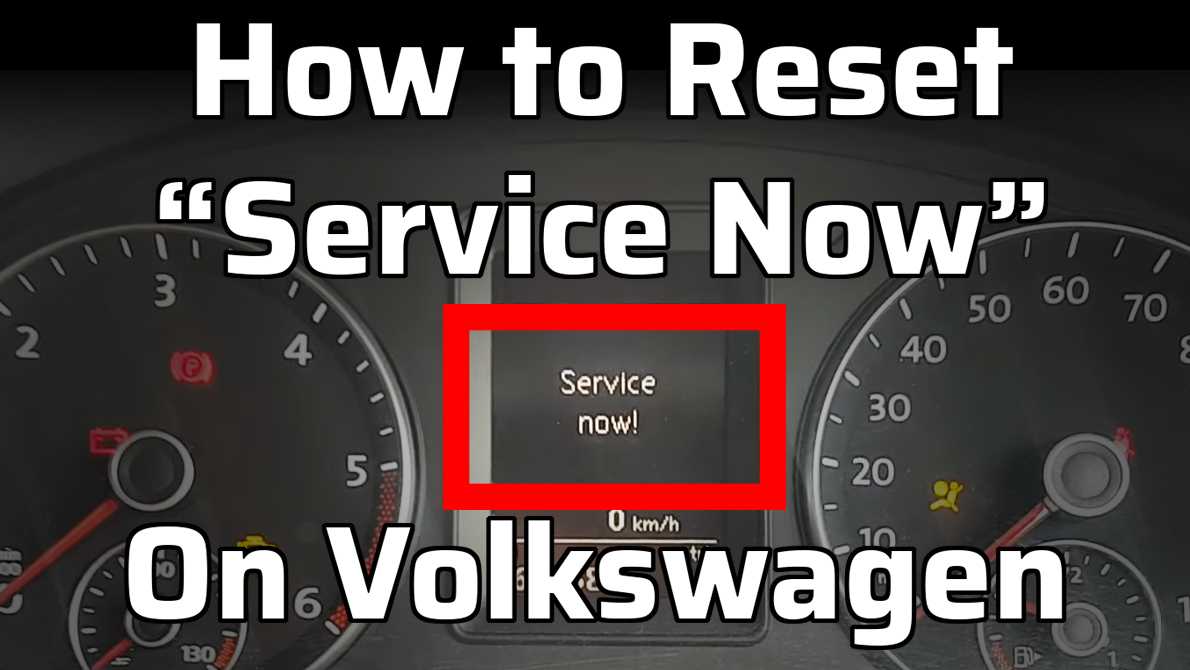
Does your Volkswagen display the “Service Now” message and you are not sure what to do about it?
In this article we will explain what this message means, what you should do about it, how to turn it off, and how to diagnose the common problems associated with it.
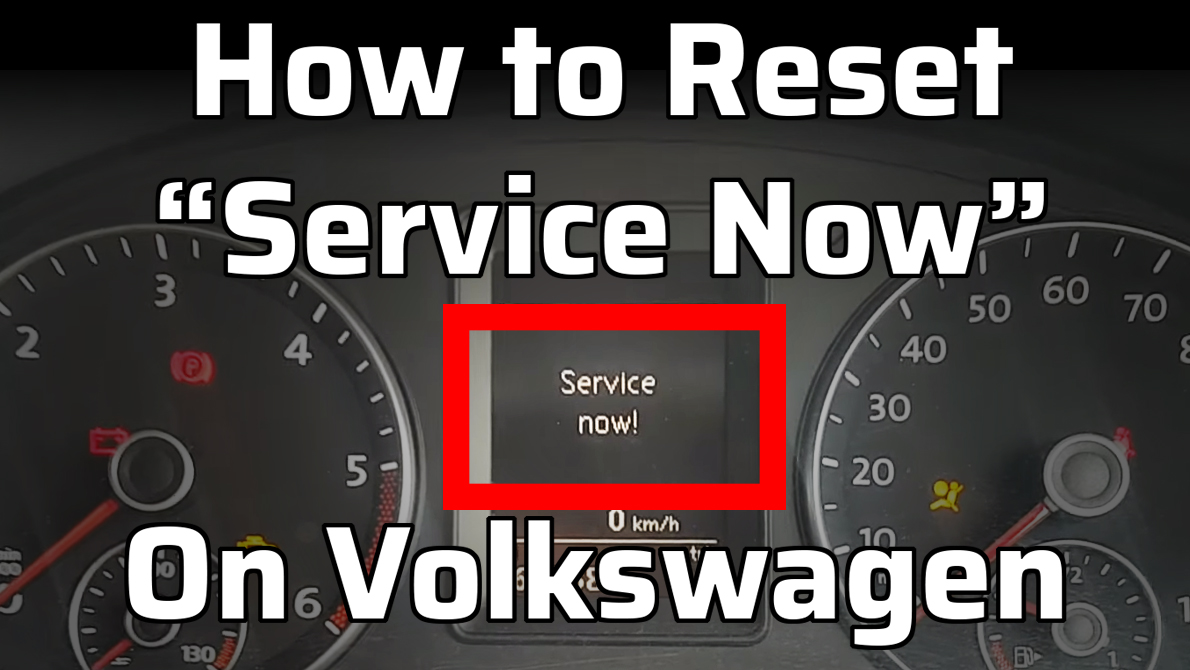
What Is the ‘Service Now’ Message on a Volkswagen?
The “Service Now” message is designed to notify you that your vehicle is due for a service or maintenance check. It is a reminder to take your car to a Volkswagen dealership or an authorized service center for routine maintenance or repairs.
The ‘Service Now’ message is based on factors such as mileage, time elapsed since the last service, and the condition of various components in your vehicle. It is important not to ignore this message, as regular servicing helps ensure the longevity and performance of your Volkswagen.
The Meaning of “Service Now” on Your Golf or Passat’s Dashboard
This message is an indication that your car is due for a service or maintenance check. It is a reminder from the car’s onboard computer system that certain components, such as oil change, air filter replacement, or tire rotation, need attention.
The ‘Service Now’ feature is designed to help you keep track of your car’s maintenance schedule and ensure that it is running smoothly.
It is important to address the ‘Service Now’ message promptly to ensure the optimal performance and longevity of your Volkswagen.
Step-by-Step Guide to Reset the “Service Now” Notification
The exact process of disabling the “Service Now” notification will vary slightly between different models and years. However, here is the most common process:
First, turn the ignition on (but not the engine) and hold down the bottom trip button on the stalk to bring up the main menu on your display. Alternatively, open the menu with the method appropriate to your specific model.
Next, use the trip buttons on the stalk, or the arrow buttons to navigate to the “Service” option. Once you’ve found it, press the OK button to select it.
Now, press the arrows or the trip buttons to navigate down to “reset” and select it by pressing the OK button.
Finally, confirm the reset by clicking “OK” with the OK button. You should now get a message on the screen saying “Service Reset”.
Troubleshooting Common Issues with the “Service Now” Feature
If you’re experiencing any issues with the “Service Now” feature on your Volkswagen dashboard, troubleshooting common problems can help you resolve them efficiently.
One common issue is the “Service Now” notification not turning off even after you have completed the necessary maintenance. In such cases, you can try resetting the notification manually. To do this, navigate to the ‘Settings’ menu on your dashboard, select ‘Service’, and then choose ‘Reset’.
Another common problem is the “Service Now” notification appearing too frequently or at incorrect intervals. This can be due to a fault in the software or a sensor malfunction. If resetting the notification does not solve the issue, it is recommended to visit a Volkswagen service centre to diagnose and fix the problem.
Frequently Asked Questions
How often should I expect to see the ‘Service Now’ notification on my Volkswagen?
Can I disable the ‘Service Now’ notification permanently?
Will turning off the ‘Service Now’ notification affect my warranty or vehicle maintenance schedule?
Turning off the “Service Now” notification on your Volkswagen will not affect your warranty or vehicle maintenance schedule. It is simply a reminder for routine maintenance and can be disabled without any negative consequences.
What should I do if the ‘Service Now’ notification keeps appearing even after servicing my Volkswagen?
Are there any potential risks or consequences of ignoring the ‘Service Now’ notification?
Yes, the “Service Now” message is supposed to remind you that service is due. Ignoring the message and not getting the car serviced can lead to increased wear, and on a long enough time frame, damage to the engine and other components that require a service.
Conclusion
The ‘Service Now’ feature on your Volkswagen is designed to remind you that a service is due. If your Volkswagen is due for a service, get in contact with us now by clicking the button below or filling out the form and we will get you sorted!
At Bill Jacobs Volkswagen, we know that staying on top of your VW’s maintenance schedule is essential to ensure it runs smoothly and efficiently. The service light on your new Volkswagen serves as a helpful reminder for regular maintenance, and knowing how to reset it can be a valuable skill. In this guide, we’ll walk you through the steps to reset your service light, empowering you to keep your vehicle in excellent condition.

Understanding Your Volkswagen’s Service Light
Before we dive into the reset process, it’s essential to understand why the service light illuminates. Your VW’s service light is a sophisticated system designed to alert you when it’s time for maintenance based on factors like mileage, time, and engine operating conditions. Regular servicing helps ensure the longevity, performance, and safety of your vehicle.
How to Reset Your VW Service Light
Step 1: Turn the Ignition On
- Start by ensuring your vehicle’s ignition is in the “off” position.
Step 2: Locate the Reset Button
- Find and locate the reset button on your dashboard. In most new VW models, it’s often located near the instrument cluster or the speedometer.
Step 3: Press and Hold the Reset Button
- Press and hold down the reset button while turning the ignition key to the “On” position (but do not start the engine). Continue holding the button.
Step 4: Wait for the Reset
- After a few seconds, the service light on your dashboard should start to flash or blink. Continue holding the reset button until the blinking stops.
Step 5: Release the Reset Button
- Release the reset button. The service light should now be reset and turned off.
Step 6: Confirm the Reset
- Turn off the ignition and then start your vehicle. Ensure that the service light does not illuminate. If it stays off, the reset was successful.
Step 7: Maintain Your Service Schedule
- Finally, remember to consult your owner’s manual for the recommended service intervals for your Volkswagen. Regular maintenance is crucial for keeping your vehicle in peak condition.
Please note that the steps provided here are general guidelines and may vary slightly depending on the specific trim and model of your Volkswagen. If you have any doubts or encounter difficulties, consult your owner’s manual or contact our experienced technicians at Bill Jacobs Volkswagen for assistance.
Schedule your VW Service at Bill Jacobs Volkswagen in Naperville
Resetting your VW service light is a straightforward process that allows you to stay on top of your vehicle’s maintenance needs. At Bill Jacobs Volkswagen, we’re dedicated to helping you maintain your Volkswagen with ease and confidence. If you ever have questions or require professional assistance, our team of experts is here to provide the support you need.
By regularly resetting and monitoring your service light, you’ll ensure your Volkswagen remains in excellent condition, delivering the performance, reliability, and safety you expect from this remarkable vehicle. Drive confidently and enjoy every journey knowing your VW is well-maintained and ready for the road ahead.
Schedule Service